Security and privacy · Coming soon
Exactly what we access.
And why.
Invoice Finder needs read access to an email account to find financial documents. Here's precisely what that means, what we keep and who can see it.
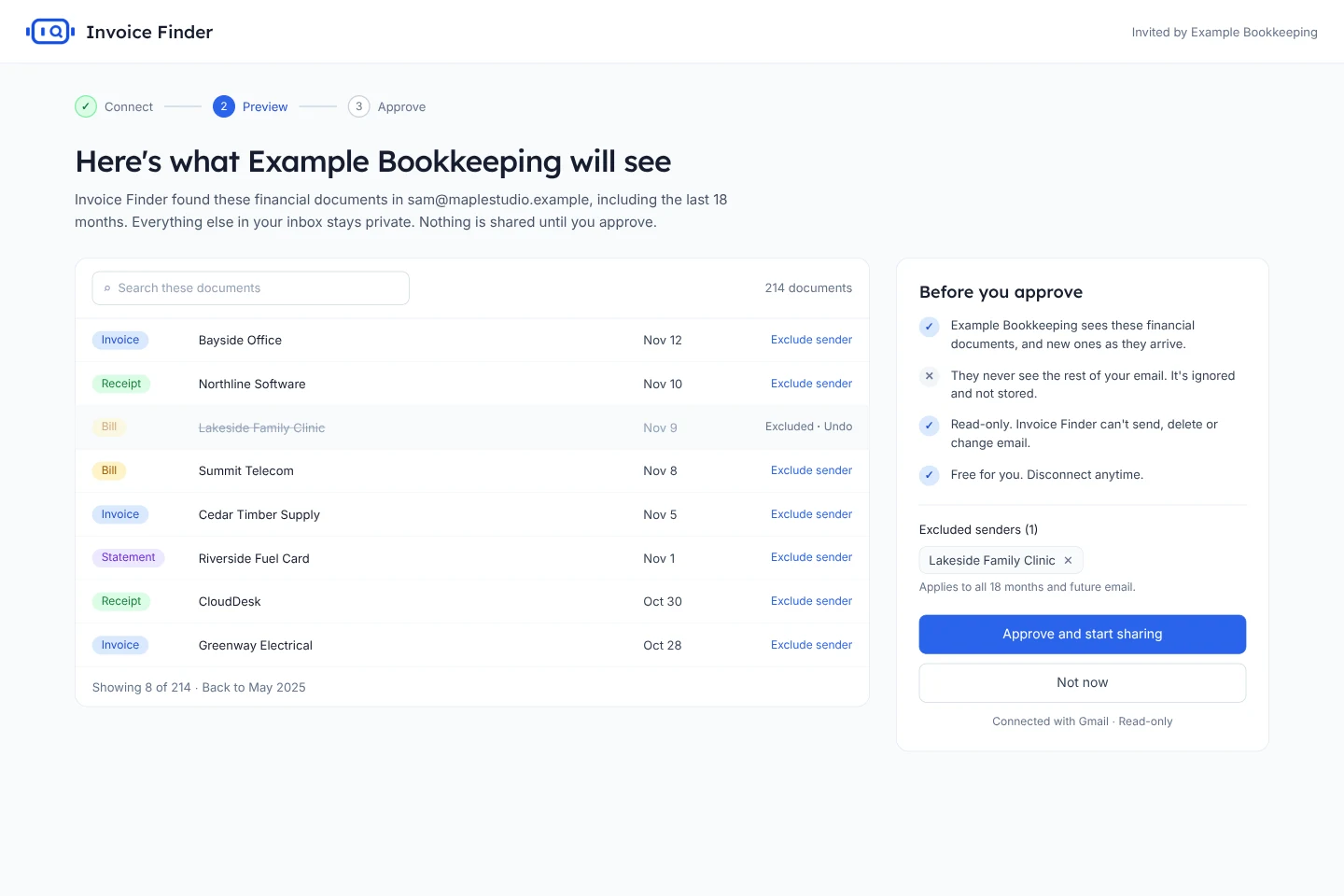
The access model
Read-only access, granted by the account owner.
The business owner connects their Gmail or Outlook account by signing in with Google or Microsoft. Invoice Finder never sees or stores their password.
Email providers grant read access to the whole mailbox. There's no “invoices only” permission, so the permission screen says Invoice Finder can read email. That's why the sorting happens inside Invoice Finder, before anyone sees anything.
The access is read-only. Invoice Finder can't send, delete or change any email.
One question per email
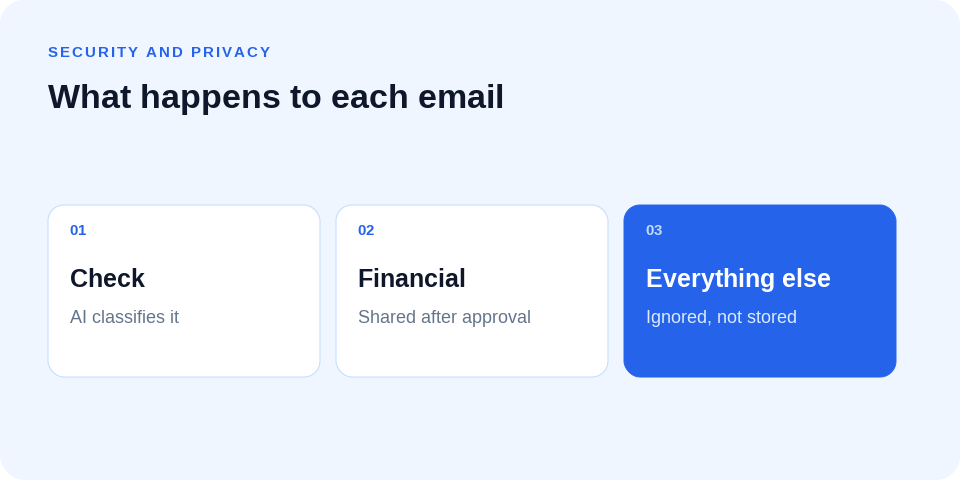
What happens to each email.
AI checks each email and answers one question: is this a financial document? Financial documents are shared only after the account owner approves. Everything else is ignored and not stored.
Data we keep
What Invoice Finder keeps, and what it doesn't.
Kept
- Emails classified as financial documents, with their attachments
- The business owner's sender exclusions and approval
- The mailbox connection, until it's disconnected
Not kept
- Email that isn't a financial document
- Email passwords: sign-in happens with Google or Microsoft
- Any ability to send, delete or change email
Who can see what
Clear roles. Clear limits.
The business owner decides what's shared. The bookkeeper or accountant works only with what was approved. Nobody reads the inbox.
The business owner
Previews every document Invoice Finder found, including the last 18 months, and approves before anything is shared.
The bookkeeper or accountant
Sees approved financial documents only. Search covers only those documents, so the rest of the inbox can't be browsed.
Excluded senders
Never shared, including across the 18-month history.
No human reading
AI does the sorting. No person at Invoice Finder or at the bookkeeper's office reads the inbox.
How AI is used
AI sorts the email.
It never learns from it.
Classification runs on Google Cloud's Vertex AI, a paid enterprise service. Its terms exclude customer data from model training, so email processed by Invoice Finder is never used to train AI models.
The AI has one job: decide whether an email is a financial document, such as an invoice, receipt, bill, statement or credit note. Preview lets the business owner check the result before anything is shared.
Disconnecting
What happens when access ends.
The business owner can disconnect anytime. The same rules apply when a bookkeeper removes a client.
Access stops instantly
The mailbox connection is revoked and nothing new is collected.
Unshared data is deleted
Anything that wasn't approved and shared is removed.
Shared documents: 30 days
Documents already shared stay available to the bookkeeper for 30 days, then are deleted from Invoice Finder.
Copies already downloaded or forwarded
These are part of the bookkeeper's own records, the same as any invoice emailed to them.
Policies
Terms and privacy.
Invoice Finder is a BillBjorn product. Read the BillBjorn Privacy Policy and Terms. Invoice Finder's own terms and data-handling details will be published at launch.
This website
Invoice Finder is coming soon. Browsing this website doesn't connect to Gmail or Outlook. The Get notified form sends your email address to Brevo so we can tell you about the launch. Signing up doesn't connect your inbox.
Invoice Finder · Coming soon
Privacy your clients can check for themselves.
Be first to know when Invoice Finder launches.