Invoice Finder for accountants · Coming soon
The paperwork behind the numbers.
Your clients connect Gmail or Outlook once. Their invoices and receipts reach you as they arrive, with 18 months of history for year-end. Evidence, without the chase.
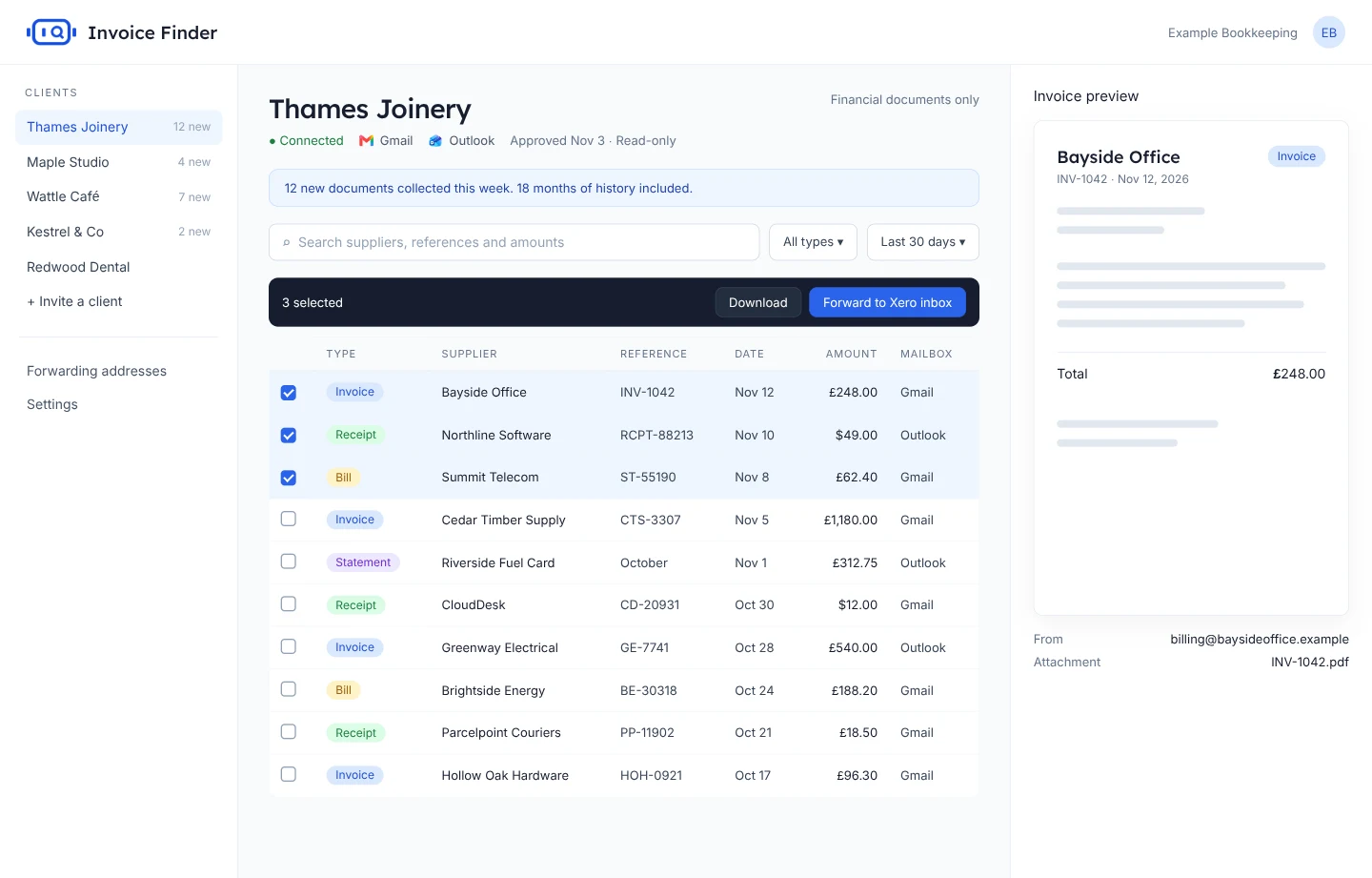
From a gap to the evidence
The bank feed tells you what moved.
The invoice tells you why.
A bank reference points you to a supplier. It rarely tells you what was purchased, which period it covers or which business made the purchase.
Invoice Finder keeps the source documents coming. Every invoice and receipt that reaches your client's inbox lands in their financial inbox, ready to match against the transaction.
Built for review
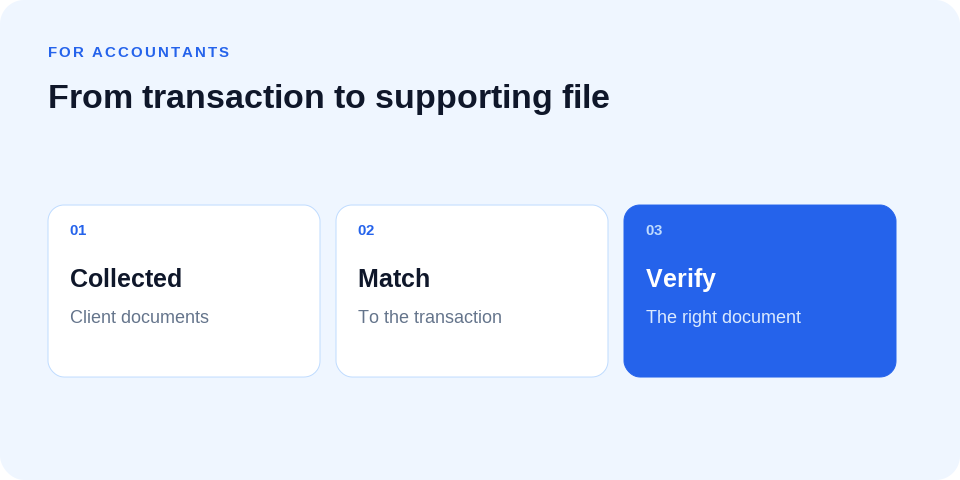
Collected. Matched. Verified.
Use the supplier and period to find the document in the client's financial inbox, then verify it against the record before you attach or post anything.
- 01 / Context
One financial inbox per client.
Every client's documents are kept separate, searchable by supplier, date and document type.
- 02 / Evidence
Preview before you use it.
Check the supplier, recipient, reference and period. A similar filename is not enough to establish a match.
- 03 / Judgment
Your process stays yours.
Download or forward documents in bulk. Coding, reconciliation and review stay in your existing workflow.
Year-end and new clients
A full year of evidence, on day one.
When a client connects, Invoice Finder looks back 18 months: a full year of books, plus six months to wrap it up. Year-end work starts with the documents, not a request list.
Clients preview everything before approving, and see exactly what you'll see. You only see financial documents, never their other email.
Build a client collection process →
Choose one intake route and a consistent monthly handoff.
Find missing evidence for Xero →
Retrieve the file, verify it and attach it to the right record.
Find missing evidence for QuickBooks →
Review existing transactions before adding anything new.
Questions
A few useful answers.
Does Invoice Finder replace client document requests?
For documents that arrive by email, mostly yes: they're collected as they arrive. Paper receipts, supplier portals and questions about what a purchase was for still need the client.
How do documents get into Xero or QuickBooks?
Download them in bulk, or forward them in bulk to a saved email address, such as your Xero or QuickBooks email-in address.
Can I see my clients' other email?
No. You only see email the AI classifies as a financial document, and search only covers those documents.
Invoice Finder · Coming soon
Get the source documents.
Get on with the review.
Be first to know when Invoice Finder launches.