The practical answer
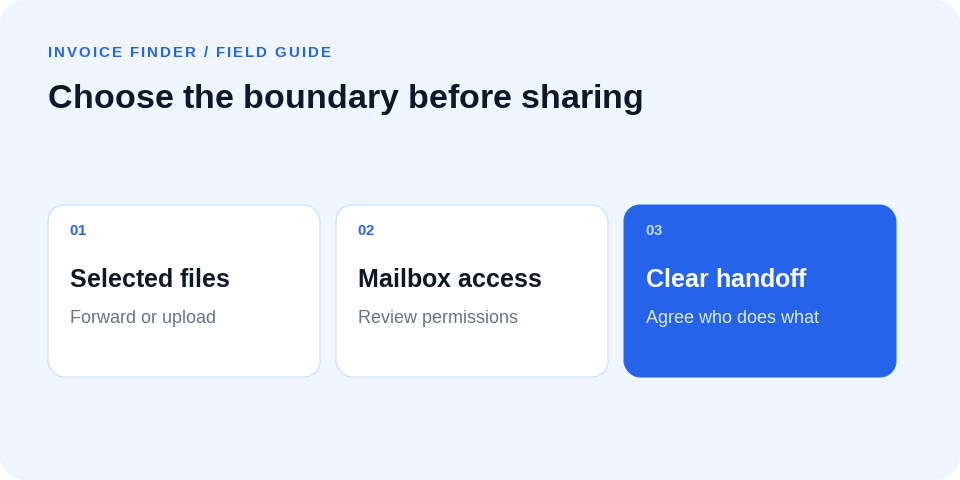
For document-only sharing, forward selected files or use an agreed upload location. A mailbox connection is a different choice: read its actual provider permissions before authorizing access.
Forward selected financial documents
If you want to share invoices without giving anyone mailbox access, start with the document itself. Open the supplier email, check the attachment or receipt details, and send only the relevant material to the accountant’s agreed address.
- Confirm the document belongs to the right business and accounting period.
- Use the original invoice attachment where one exists.
- Check the forwarded thread for unrelated messages or personal details.
- Add a short explanation if the purchase or business purpose is unclear.
- Keep the original in the business’s records and mark the handoff complete.
This works well for small volumes. Its weakness is completeness: a document can be missed because someone forgets to forward it, not because it is difficult to find.
Use a dedicated document address
A separate document address gives financial paperwork a clear destination. You can forward invoices there yourself or ask suppliers to use it for billing. Agree who monitors it and how the accountant receives the records.
Keep account ownership and access clear. A shared business mailbox should not depend on someone handing over their personal email password. Use the provider’s supported access arrangements and keep former staff access under review.
A document-only mailbox can also reduce how much unrelated correspondence is mixed into the collection process. It does not automatically make every message appropriate to share.
Set up selective forwarding carefully
For recurring suppliers, a narrow forwarding rule can reduce repeated manual work. In Gmail, the destination must be verified. Google’s guidance distinguishes forwarding all new mail from using filters to forward selected messages; forwarding filters affect future matching messages, not the historical archive.
Test the rule against existing messages before enabling forwarding. A known sender plus an invoice-related term can be safer than a broad word such as “payment”. Include a review routine for supplier address or document-format changes.
Use BillBjorn’s Gmail forwarding tool or Outlook forwarding tool to prepare a rule, then review it in your own account. Organization settings may restrict forwarding.
Compare document sharing with mailbox access
| Approach | What you share | Your main decision |
|---|---|---|
| Selected forwarding | Chosen messages or files | Check the content before sending. |
| Dedicated document mailbox | Records received in that mailbox | Agree access and who monitors it. |
| Upload portal | Chosen uploaded files | Use the right business folder and permissions. |
| Authorized mailbox connection | Access described by provider permissions | Read the permission screen and product terms. |
Coming soon: Invoice Finder connects to Gmail or Outlook with read-only access. Email providers only grant read access to the whole mailbox, so the sorting happens inside Invoice Finder: AI picks out financial documents, and your accountant only sees those, after you’ve previewed and approved them. Non-financial email is ignored and not stored. See exactly what they can and can’t see.
Check permissions before you connect anything
- Which account is being connected, and does it mix business and personal correspondence?
- What access does the provider permission screen describe?
- Who at the practice can use the connected document-search workflow?
- How do you disconnect, and what happens to files already downloaded?
- Where are the actual data-handling terms and support contact?
Invoice Finder answers each of these questions on its page for business owners. Never email your password, recovery codes or multi-factor authentication codes to make a bookkeeping handoff easier.
Agree a monthly handoff, whichever method you choose
The sharing method is only useful if both sides know what is complete. Agree the period, destination and person responsible for missing items. Tell the accountant when the upload or forwarding batch is finished, then respond to a single list of exceptions.
Keep explanations separate from the file where needed. Your accountant may still need to know who made a purchase or what it was for. A readable invoice does not answer every business question.
Start with the monthly collection checklist and use specific request wording for the documents that remain missing.
Provider instructions checked on 25 November 2026: Google: forwarding, Google: filters. Menu labels can vary by account, region and interface.