The practical answer
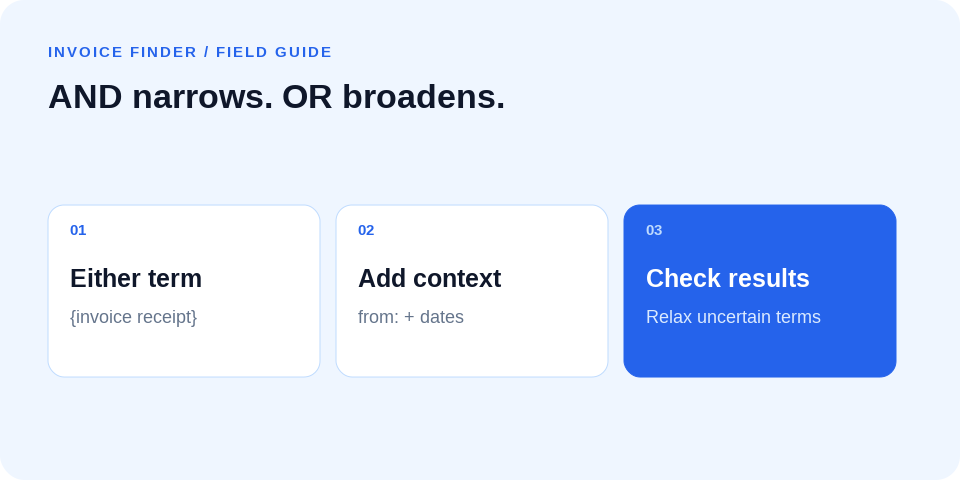
Use spaces for combined conditions, braces or OR for alternatives, and a minus sign for exclusions. Add sender, dates and filenames gradually so you can see what each filter changes.
Essential Gmail invoice search operators
Use this page as a query-building reference. If you want a step-by-step starting point, begin with how to find invoices in Gmail. The examples below use fictional suppliers and references.
| Operator | Purpose in a document search | Example |
|---|---|---|
from: | Sender or supplier billing address | from:billing@baysideoffice.example |
subject: | A word in the subject | subject:invoice |
filename: | Attachment name or type | filename:pdf |
has:attachment | Messages with attachments | invoice has:attachment |
after: / before: | Received-date window | after:2026/10/01 before:2026/12/01 |
newer_than: | Relative recency | receipt newer_than:3m |
{ } / OR | Either condition | {invoice receipt} |
- | Exclude a condition | invoice -subject:quote |
" " | An exact phrase | "invoice 1042" |
label: | A label you applied | label:Invoices |
in:anywhere | Include Spam and Trash | in:anywhere invoice |
A search operator narrows messages; it does not validate an invoice or determine its accounting treatment. Use the results as candidates for review.
Combine conditions without making the search too narrow
A space between conditions usually makes the search require both. Braces or uppercase OR provide alternatives. Compare the following:
invoice receipt{invoice receipt}
{subject:invoice subject:receipt} filename:pdf
The first searches for both terms. The second accepts either. The third looks for either subject condition together with a PDF filename condition. Make one change at a time so you can see which condition removed the expected result.
When combining queries, keep the thing that is certain and relax the guess. A known sender can be reliable; an assumed subject word or exact receipt date may not be.
Search attachment filenames deliberately
Use filename:pdf to look for PDF attachments, or a known filename fragment such as filename:INV-1042. A generic filename like document.pdf provides little evidence about the supplier or period.
from:billing@baysideoffice.example filename:pdf
filename:INV-1042
If the supplier sends a billing link or an email-body receipt, filename conditions can exclude the message entirely. Remove them before deciding that the document was never sent.
Exclude irrelevant messages carefully
A query such as invoice -subject:quote may reduce quotation email. Avoid stacking broad exclusions until you have reviewed what they remove. A real invoice can arrive in a conversation that also contains a quote, reminder or newsletter.
Gmail groups messages into conversations, and a conversation may appear because one message matches even when another contains an excluded term. Read the matched message and its attachments rather than judging only the conversation subject.
Category exclusions can also hide useful purchase email. A message under Promotions or Updates is not necessarily irrelevant to bookkeeping.
Ready-to-use invoice search examples
| Goal | Query |
|---|---|
| Supplier PDF invoices | from:billing@baysideoffice.example filename:pdf |
| Invoice or receipt subjects | {subject:invoice subject:receipt} |
| Receipts without attachments | receipt -has:attachment |
| A document reference | "INV-1042" |
| Older invoice wording | invoice older_than:1y |
| A labeled invoice set | label:Invoices after:2026/10/01 |
Copy a query, replace the fictional details and adjust the dates. Received-date filters should allow for differences between invoice issue, service period and bank settlement dates.
Troubleshoot zero results and confusing matches
- Remove the filename or attachment condition.
- Widen the date window, then search the supplier alone.
- Try a known order or invoice reference without other terms.
- Check whether the email arrived in another authorized account.
- Expand to Spam and Trash only when relevant, and treat unexpected attachments cautiously.
- If the document is unavailable, check the supplier portal or request a copy.
For historical gaps, see old invoice retrieval. For a permanent collection routine, see organizing invoices in Gmail. Coming soon: Invoice Finder. Your clients connect Gmail or Outlook once, and AI collects every invoice and receipt as it arrives, plus the last 18 months. You never see their other email. See how it works.
Provider instructions checked on 25 November 2026: Google: search operators. Menu labels can vary by account, region and interface.